
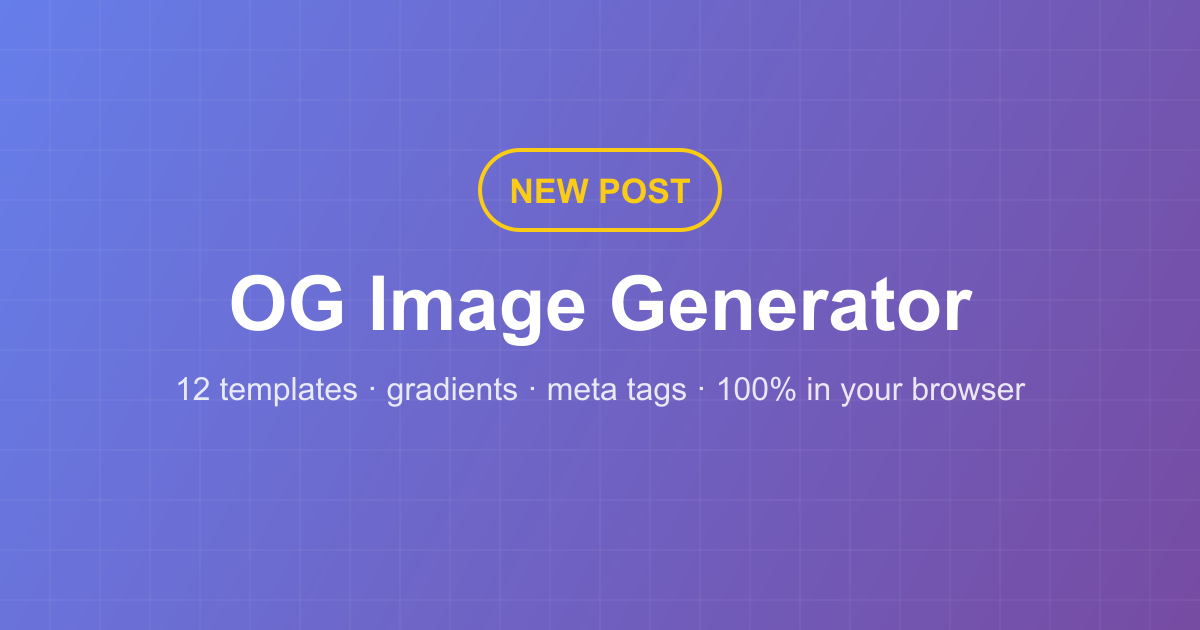
Create Perfect OG Images in Seconds with the New OG Image Generator
Every link you share — on X/Twitter, Facebook, LinkedIn, Slack, iMessage — shows a preview card. Whether that card looks professional or broken depends entirely on one file: the Open Graph image. Today we're launching a free OG Image Generator that creates these images in seconds, without design skills and without uploading anything.
Why OG images matter
The og:image meta tag is what social platforms and chat apps display when a URL is shared. Posts with a well-designed preview image consistently get more clicks, and search engines increasingly show richer results for pages with complete social metadata. The recommended size is 1200×630 pixels — anything else risks cropping or blurry previews.
12 templates, faithful to what works
We studied the best open-source generators and rebuilt their proven layouts on a fast Canvas engine, adding our own:
- OG · Basic — centered logo, title and description. The safe default.
- OG · Hero — a tag pill, a big headline and a rounded screenshot below. Perfect for launches.
- OG · Notice — logo on the left, message on the right.
- OG · Image Right — split layout with your screenshot on the right half.
- OG · Logos Row — a "trusted by" wall for customer logos.
- X Header · Basic / Minimalist / Logo — the 1500×500 banner formats for your profile.
- Blog Cover · Basic — 1600×900 article headers.
- Quote, Banner and Custom — editorial quotes, bottom-banner announcements, or any size you need.
Every template ships with its own background, color and pattern configuration, so switching templates gives you a genuinely different design each time.
Built for privacy, like everything here
The generator runs entirely in your browser with the Canvas API. Your logo, screenshots and text never leave your device — there is no server, no account and no watermark unless you add one. Export as PNG, JPEG or WebP at full resolution.
Copy the meta tags too
Designing the image is half the job. The tool also generates the complete set of Open Graph and Twitter Card meta tags — og:title, og:description, og:image, twitter:card and more — with your actual copy filled in. Paste them into your page's <head> and your links unfurl correctly everywhere.
Ready to try it? Open the OG Image Generator, pick a template, and have a shareable preview image in under a minute.